

A Residual Current Device (RCD) is a safety gadget designed to protect you from electric shocks during problems. The reason for RCD tripping is when it detects uneven electrical flow, often caused by leaks or faulty appliances. For example:
- Regular RCDs trip at 30 mA for up to 100 Hz.
- At 2.7 kHz, leaks over 300 mA may cause it to trip accidentally.
- Steady currents at 150 Hz hitting 90 mA will also lead to tripping.
Ignoring the reason for RCD tripping can be dangerous, potentially resulting in fires or injuries. Understanding why the RCD trips is essential for keeping your home safe and avoiding risks.
Key Takeaways
- Find broken devices by unplugging everything and resetting the RCD. Plug in one device at a time to spot the issue.
- Look for water in places like bathrooms or kitchens. Dry wet areas and fix leaks to stop RCD tripping.
- Check wires often for damage. Search for torn wires or burn marks. Call an electrician if the problem looks serious.
- Don’t overload outlets. Spread devices across different plugs to avoid tripping the RCD.
- Get regular electrical check-ups to find problems early. This keeps your home safe and avoids future troubles.
Common Reasons for RCD Tripping
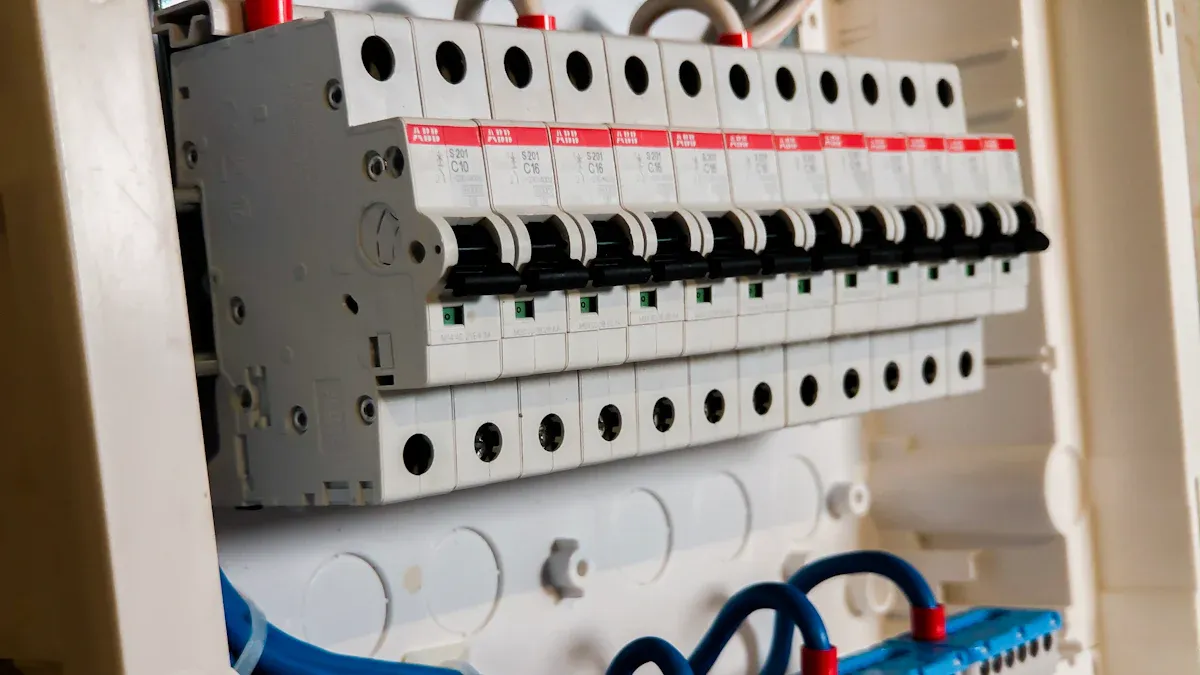
Faulty Appliances
RCDs often trip because of broken appliances. When an appliance has a problem inside, it can mess up the electrical flow. This triggers the RCD to shut off power for safety. For example, a broken kettle heater or a washing machine short circuit can cause this.
To find the faulty appliance, unplug everything and reset the RCD. Then, plug in each device one by one. If the RCD trips after plugging in something, that item is likely the problem. Fix or replace broken appliances quickly to stop more tripping and stay safe.
Moisture or Water Damage
Water damage is another common reason for RCD tripping. Water can let electricity leak to the ground, which makes the RCD trip. Even clean water can cause this, unlike MCBs that need stronger leaks to trip.
Here’s how water can cause RCD tripping:
- Water getting into outlets or switches.
- Damp areas like bathrooms or basements.
- Leaks from appliances like fridges or dishwashers.
If you think water is the issue, check wet areas. Dry any wet parts and fix the water problem, like repairing leaks or improving airflow.
Tip: Use waterproof covers for outdoor plugs and keep devices away from damp spots to avoid water-related tripping.
Damaged or Worn Wiring
Old or damaged wires can also make RCDs trip. Wires can wear out over time or get damaged. This can cause electricity to leak or short circuits. For example, rodents chewing wires or broken insulation can expose live wires, causing problems.
To spot bad wiring, look for frayed wires, burn marks, or exposed cables. If you see these, don’t use the circuit and call an electrician to fix it. Ignoring bad wiring can lead to fires or electric shocks.
Note: Check your home’s wiring often to find problems early and stop RCD tripping.
Overloaded Circuits
Too many devices on one circuit can trip the RCD. This happens when the circuit gets more power than it can handle. The RCD trips to keep you safe from electrical problems.
You might notice flickering lights or buzzing outlets. Warm switches are another sign of an overloaded circuit. For example, using a microwave and space heater on the same circuit can cause tripping.
To fix this, spread out your devices across different circuits. Unplug some items and use outlets on other circuits. If you don’t know your home’s circuit setup, ask an electrician for help.
Tip: Don’t plug many high-power devices into one outlet using extension cords. This can overload the circuit and trip the RCD.
Earth Leakage and Nuisance Tripping
Earth leakage happens when electricity escapes and flows into the ground. This often makes the RCD trip to stop harm. But sometimes, the RCD trips even when there’s no real danger. This is called nuisance tripping.
A study in Valencia, Spain, showed nuisance tripping with electronic devices. It found that small electric disturbances, like those from computers or medical tools, caused the problem.
To fix earth leakage and nuisance tripping:
- Check circuits with frequent tripping for electronic devices causing issues.
- Use RCDs made to handle small electric disturbances if you have many electronics.
- Make sure all circuits are grounded properly to reduce risks.
Note: If nuisance tripping keeps happening, call a professional to find and fix the problem.
How to Find Out Why the RCD is Tripping
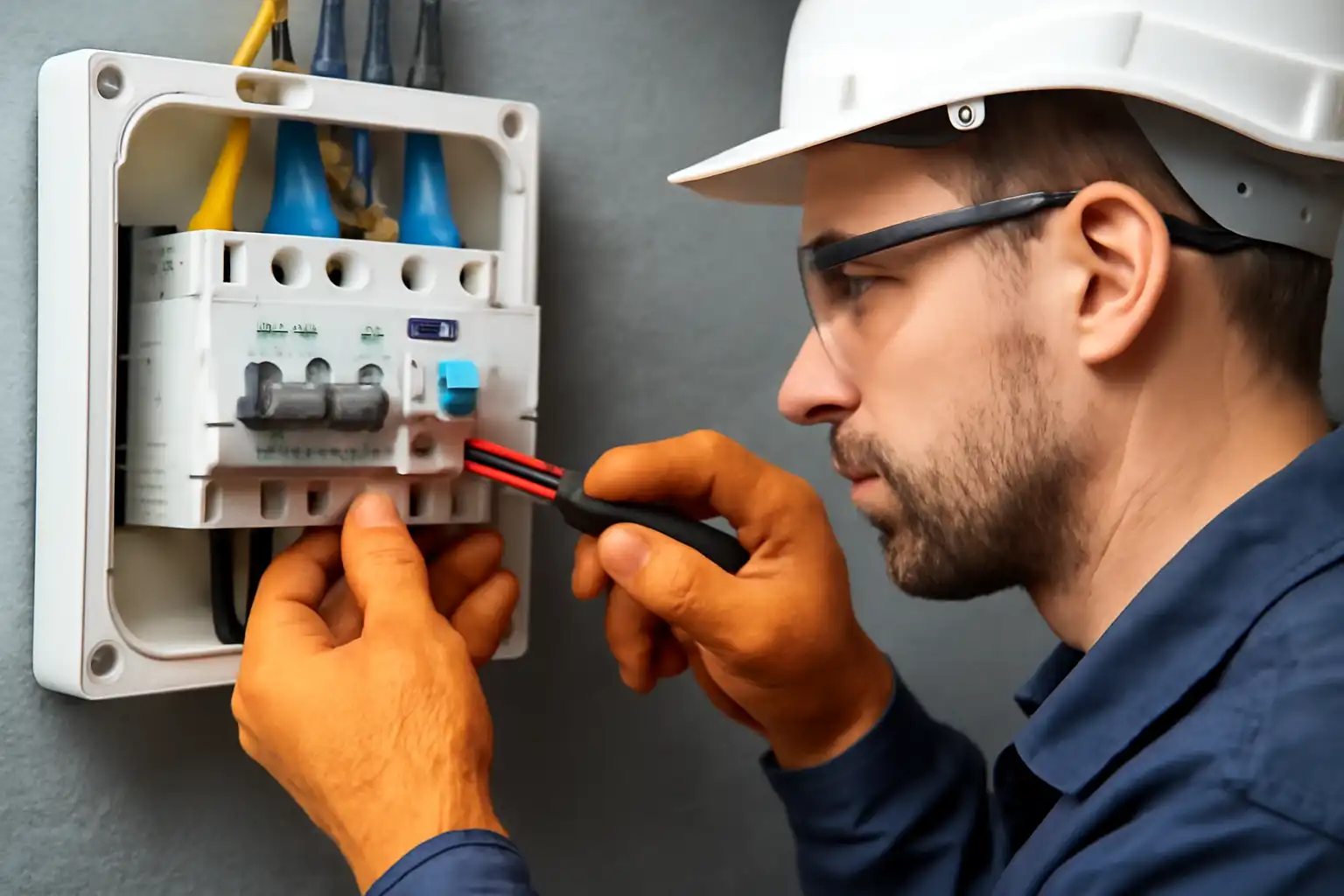
Testing Appliances by Unplugging
Broken appliances often make the RCD trip. To find the problem, unplug everything on the circuit. Reset the RCD and plug in each item one at a time. If the RCD trips after plugging in something, that device is the issue.
For a deeper check, leave all devices unplugged for a few days. This can help spot problems that happen sometimes. You can also use a clamp meter to check for leaks in appliances. If unplugging a device lowers the leak, it might be the cause.
Tip: Write down when the RCD trips. Include weather, appliance use, and odd events. This can help you figure out the problem faster.
Looking at Wiring and Connections
Old or broken wires can also trip the RCD. Check the wires in the circuit for damage like fraying, burn marks, or exposed parts. Look closely at outlets, switches, and the electrical panel. Loose or rusty connections can mess up the flow of electricity and trip the RCD.
Special tools, like insulation testers, can find hidden wiring issues. If you’re unsure about your wiring, call an electrician. They can check everything and make sure it’s safe.
Note: Check your home’s wiring often. This can stop problems before they cause the RCD to trip.
Checking for Water Problems
Water can also make the RCD trip. Look for wet spots near outlets, switches, and appliances. Pay attention to damp places like bathrooms, basements, or outdoor areas. Even a little water can cause leaks that trip the RCD.
Big setups with electronics are more at risk from water. For example, devices like power converters can leak if they get wet. If water is the problem, dry the area and fix the source of the dampness.
Tip: Use waterproof covers for outdoor outlets. Keep damp areas ventilated to stop moisture from building up.
Watching for Circuit Overloads
Circuit overloads happen when too many devices use one circuit. This can make your RCD trip again and again. Watching your circuits helps you find overloads and stop them.
Start by checking what’s plugged into each circuit. Look for signs like flickering lights, buzzing outlets, or warm switches. These show the circuit is working too hard.
To check properly:
- Make a list of all devices on each circuit.
- Check power ratings of devices. Compare them to the circuit’s limit, usually found on your electrical panel.
- Unplug big-power devices like heaters or microwaves if the circuit is almost full.
Tip: Spread devices across different circuits to share the load. Don’t use extension cords for many high-power devices in one outlet.
If you don’t know your circuit setup, ask an electrician. They can help you figure out your circuits and suggest better ways to use them.
Using an RCD Tester to Find Problems
An RCD tester is a useful tool to check tripping issues. It tests if your RCD works right and helps find the problem.
To use an RCD tester:
- Plug it in to an outlet linked to the tripping RCD.
- Follow the steps on the tester to create a fault. This will trip the RCD if it’s working.
- Write down the results from the tester. Look for details about leaks or bad wiring.
Note: If the tester shows the RCD isn’t working, replace it fast. A broken RCD isn’t safe.
You can buy RCD testers at hardware stores. They’re simple to use and give helpful info about your system. If you don’t understand the results, ask an expert to explain them.
How to Fix RCD Tripping Issues
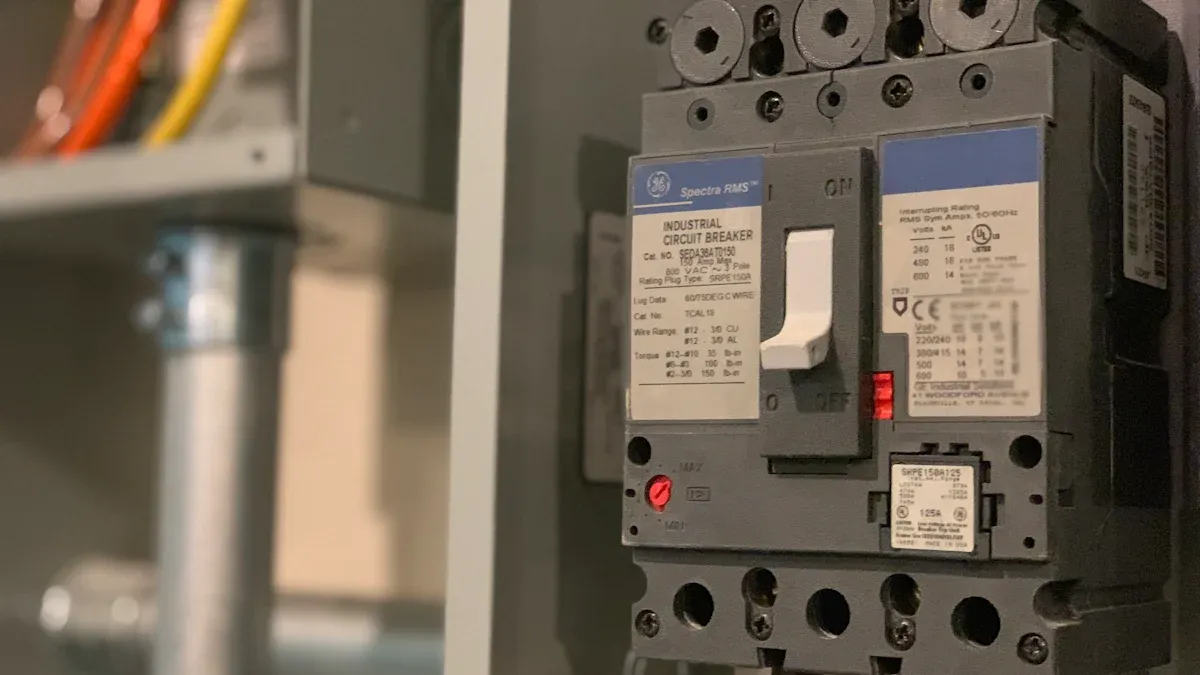
Repairing or Replacing Faulty Appliances
Broken appliances often cause RCD tripping. To fix this, find the problem device and take action. First, unplug everything connected to the circuit. Reset the RCD, then plug in each item one at a time. If the RCD trips after plugging in something, that device is the issue.
Check the broken appliance for damage. Look for worn cords, burn marks, or loose parts. If it can be fixed, follow the manual or ask a technician. For example, a toaster with a bad heating part can be repaired by replacing it. If the appliance is too damaged, replace it with a new one.
Tip: Use appliances with safety certifications to avoid future electrical problems.
Addressing Moisture Problems
Water can make electricity leak, causing RCD tripping. To fix this, find and remove the moisture source. Check damp places like bathrooms, kitchens, basements, or outdoor outlets. Look for water damage signs like mold, stains, or wet spots near electrical areas.
Dry wet areas quickly using a cloth, fan, or dehumidifier. If leaks come from pipes or roofs, call a plumber or contractor to fix them. To stop future water-related tripping:
- Add waterproof covers to outdoor outlets.
- Seal switches and sockets in damp areas with silicone.
- Ventilate rooms prone to humidity.
Note: Don’t use electrical devices in wet areas. Even small water amounts can be dangerous.
Fixing or Replacing Damaged Wiring
Old or broken wires can also trip the RCD. Wires can wear out, get chewed by rodents, or be installed poorly. To fix this, check the wiring and repair any damage.
Turn off power to the circuit first. Look for exposed copper, frayed wires, or burn marks. For small damage, cover exposed areas with electrical tape temporarily. This is not a long-term fix.
For serious damage like broken wires or melted insulation, replace the wiring. Hire a licensed electrician for this job. They will install safe wiring that meets standards.
Warning: Don’t fix wiring without proper tools or knowledge. Bad repairs can cause fires or injuries.
Regular checks can prevent wiring problems. Inspect your home’s electrical system often to catch issues early.
Redistributing Electrical Load
Overloaded circuits often make the RCD trip. Fix this by spreading out power use across circuits. This lowers the strain on one circuit and makes your system more stable.
First, find out which devices are on each circuit. Check your electrical panel to see the layout. Look for high-power items like heaters, microwaves, or air conditioners. Unplug some devices from the busy circuit and move them to another one.
Tip: Don’t use extension cords for many high-power devices in one outlet. This can cause overheating and more tripping problems.
Redistributing the load has clear benefits:
| Benefit | Description |
|---|---|
| Energy Efficiency | Saves energy and reduces waste |
| Reduced Peak Loads | Lowers the highest power demands |
| Enhanced Safety and Stability | Makes the system safer and more reliable |
Studies show that balancing circuits can cut energy losses by 15%. It also improves voltage stability, helping devices work better.
| Effect | Description |
|---|---|
| Loss Reduction | Cuts energy waste by up to 15% |
| Voltage Improvement | Boosts voltage for better device performance |
Balancing circuits also makes your system stronger. It can handle sudden failures or power surges better.
| Finding | Description |
|---|---|
| Improved Robustness | Handles unexpected problems more effectively |
If you’re unsure how to balance circuits, ask an electrician. They can check your system and suggest the best fixes for your home.
When to Seek Professional Help
Sometimes, RCD problems need expert help. If you’ve tried fixing it but the issue continues, call an electrician. Experts have tools and skills to find tricky faults and ensure your system is safe.
MGB Electrical Solutions Ltd stresses hiring trained electricians. As a NAPIT member and JIB Gold Card holder, they promise top-quality service and safety compliance.
Here’s when to call a professional:
- You can’t find the reason for RCD tripping after unplugging devices and checking circuits.
- You think wires are damaged but don’t know how to fix them.
- The RCD trips often, even after balancing circuits.
- You see water damage near outlets or switches.
- You want to upgrade your system for modern devices.
Note: Always hire licensed electricians for repairs or upgrades. Trying to fix electrical problems without training can be dangerous.
Getting expert help keeps your home’s electrical system safe and reliable. Don’t wait to call a professional if you’re unsure about fixing the problem yourself.
Tips to Prevent Future RCD Tripping
Regular Electrical Inspections
Regular checks help stop RCD tripping and keep homes safe. By inspecting often, you can find and fix problems early. These checks ensure RCDs work properly, lowering the chance of shocks or fires.
- Testing RCDs makes sure they trip when needed for safety.
- Inspections cut fire risks by stopping power during faults.
- Following safety rules often requires regular inspections.
Studies show inspections save lives. For example, adding Ground Fault Circuit Interrupters (GFCIs) in older homes could stop 70% of 400 yearly electrocutions. Arc Fault Circuit Interrupters (AFCIs) could cut electrical fires by half each year. This proves regular checks are important for safety.
Tip: Check your system every year or after big renovations to stay safe.
Proper Use of Surge Protectors
Using surge protectors the right way stops extra RCD tripping. Surge Protective Devices (SPDs) protect gadgets from voltage spikes and help RCDs work smoothly.
- Use SPDs Type 3 after RCDs to block voltage spikes. This stops impulse currents from causing RCD trips.
- Don’t use SPDs Type 1 or 2 after RCDs. They might confuse the RCD and cause unnecessary trips.
Note: Pick surge protectors that match your system for the best results.
Avoiding Circuit Overloads
Avoiding overloaded circuits helps keep your system safe. Too many devices on one circuit can trip the RCD often and damage your system over time.
Watch how much power each circuit uses. Spread high-power items like heaters and microwaves across circuits to balance the load. This reduces stress on your system and prevents tripping.
Tip: Label your breakers to know which devices use each circuit. This makes balancing easier.
By following these steps, you can make your home’s electrical system safer and more reliable.
Keeping Appliances Dry and Maintained
Keeping appliances dry and in good shape helps stop RCD tripping. Moisture can cause electricity to leak, leading to power cuts. Simple steps can protect your devices and lower the risk of problems.
Here are easy ways to keep appliances dry and working well:
- Keep appliances in dry spots: Don’t place them in damp areas like basements. Use a dehumidifier to reduce moisture in humid rooms.
- Check for leaks often: Look for water leaks in fridges, dishwashers, and washing machines. Fix leaks quickly to avoid moisture buildup.
- Use waterproof covers: Cover outdoor appliances or sockets to protect them from rain.
- Clean appliances carefully: After using them, wipe with a dry cloth, especially in wet areas like kitchens.
- Do regular maintenance: Follow the manual for servicing appliances. This keeps them in good condition.
Tip: Always unplug appliances before cleaning or checking them. This prevents accidents and keeps you safe from shocks.
By keeping appliances dry and maintained, they last longer and are less likely to cause RCD tripping from moisture.
Scheduling Professional Checkups
Getting professional checkups helps keep your electrical system safe. Licensed electricians can find hidden problems before they get worse.
Here’s why checkups are helpful:
| Benefit | Explanation |
|---|---|
| Stops Failures | Most electrical failures can be avoided with regular maintenance. |
| Fewer Breakdowns | Systems without checkups fail three times more often. |
| Planned Outages | Maintenance can be done at convenient times to avoid surprise failures. |
Experts use special tools like infrared scanners to find risks. These tools can spot loose wires, overloaded circuits, and other dangers. It’s smart to get these checks every three years for important equipment. Early fixes keep your system safe and reliable.
Note: Regular inspections also help meet safety rules, lowering risks for homeowners.
By scheduling checkups, you avoid big repairs, improve system safety, and keep your home protected. Don’t wait for issues—make inspections part of your routine.
Fixing RCD tripping issues is important to keep your home safe. Ignoring electrical problems can cause fires or electric shocks. Safety devices like RCDs and AFDDs help stop these dangers:
| Device Type | What It Does |
|---|---|
| AFDD | Shuts off power if it finds dangerous sparks. |
| RCD | Turns off power when it detects current leaks. |
Loose wires or broken cables can cause overheating and fire risks. Use the steps above to fix these problems. If the issue doesn’t go away, call a licensed electrician to check your system.
Tip: Regular checks and maintenance can stop future electrical problems.
FAQ
What should you do if the RCD trips repeatedly?
- Unplug everything connected to the circuit.
- Turn the RCD back on.
- Plug in items one at a time to find the problem.
If it keeps tripping, call an electrician to check your system.
Tip: Don’t reset the RCD many times without fixing the problem.
Can you reset an RCD yourself?
Yes, flip the switch to “on” to reset it. But first, find and fix what caused the trip. If you’re unsure, ask a professional for help.
Warning: Don’t reset the RCD if there’s water or exposed wires.
How often should you test your RCD?
Test your RCD every three months. Press the “test” button to see if it trips. Regular tests make sure it works during electrical problems.
Note: Have a professional inspect your system once a year for safety.
Why does the RCD trip during storms?
Storms can cause power surges or wet outlets, making the RCD trip. Use surge protectors and waterproof covers to lower these risks.
Tip: Unplug sensitive devices during storms to keep them safe.
Is it safe to use an RCD tester at home?
Yes, RCD testers are simple and safe to use. Plug it into an outlet and follow the steps to test the RCD. This checks if it’s working properly.
Note: Replace the RCD right away if the tester finds problems.
The following information may be of interest to you
How to Resolve RCCB Tripping Problems at Home
Why is Type A AC RCD not suitable for electric vehicle charging equipment?
What Makes Type B RCD Essential for EV Chargers?
Residual Current Circuit Breaker (RCD) and Leakage Protection
